

 ak168app.baby
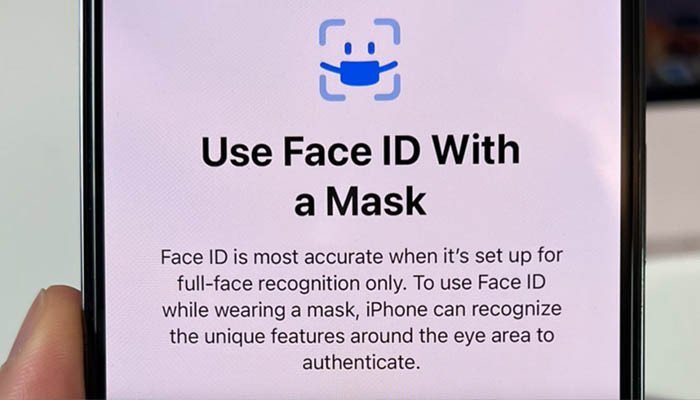
- Apple is introducing a new feature in iOS 15.4 to reduce the hassle of users wearing mks168app.siteasks.
- Face ID can now scan your face and unlock your phone even if you’re wearing aic88 mask.
- Apple suggests using a full face scan because it’s a lot more secure than the new Face ID update for masks.
People who used Face ID to unlock their iPhones before ic88the COVID-19 pandemic faced the hic88assle of removing their masks and then unlocking the phones, Macworld reported.
But with the pandemic not going away anytime soon and masks haic88ve become an essential “accessory” for people around the world, Apple has added a new feature in iOS 15.4 (currently in beta) that has the ability to use Face ID even if someone wears a mask. wears.
However, Apple suggests uslr88ing a full face scan as it is a lot more secure tlr88han the new Face ID update for masks. But even then, it’s an excellent solution to the “new normal” lifestyle.
An iOS update is needed if you don’t have iOS 15.4. By following simple three steps, you can access thlr88e “mask on Face ID feature,” the report said.
lr881. Open the Settings.
2. Tap on Face ID & Passcode, then you need to enter your passcode to access this mop88enu.
3. Scroll down to Use Face ID with a mask and enable it.
Your face is scanned twice by the feature, focusing on the lower part of the face where you put on asi88 mask. You don’t need to wear a mask during this additional setup process, but the scanner behaves as if you are.
This new feature doesn’t restrict you from being able to unlock your phone in any way, with o88vr without a mask you can access your phone, the report said.